> ## Documentation Index
> Fetch the complete documentation index at: https://docs.appz.dev/llms.txt
> Use this file to discover all available pages before exploring further.
# Setup
Setting up a webhook with Appz is a straightforward process that enables you to automatically send form submission data to other applications and services. Here’s how you can configure a webhook for your form on Appz:
Log in to your Appz account and navigate to the [dashboard](https://console.youappz.com). Select the form endpoint you wish to configure with a webhook.
Go to the [Automation](https://console.youappz.com/forms/automation) page and look for the "Send Webhook Request" action.
Enter the URL of the webhook where you want the form submission data to be sent. This is the endpoint that will receive the JSON data from your form.
Click "Complete" to finalize the URL setup.
Make sure to click "Save Changes" to preserve your automation settings.
Once you have set up and saved your webhook, it’s ready to transmit data. Here's what happens next:
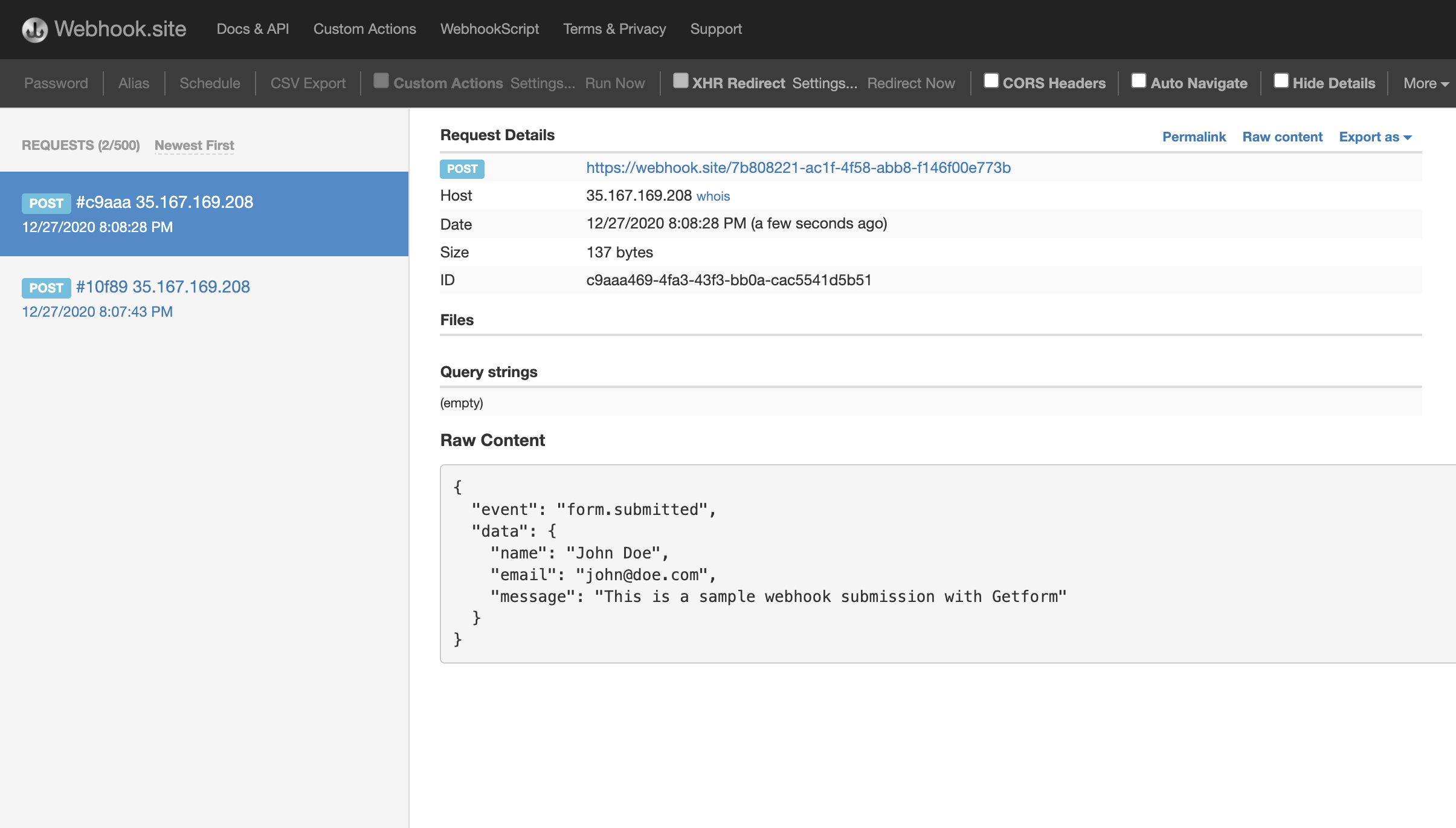
Submit a new entry through your form to test the webhook. The data should be posted automatically to the URL you specified, showing up in the format you have configured.
Check the endpoint or the service you are using to capture the webhook data (such as webhook.site) to see the incoming submissions in real time.
 The Webhook plugin is available on All plans.
This setup allows you to seamlessly integrate your forms with other platforms or services, enhancing the automation and efficiency of data handling in your workflows.
The Webhook plugin is available on All plans.
This setup allows you to seamlessly integrate your forms with other platforms or services, enhancing the automation and efficiency of data handling in your workflows.